I Built a Custom Home—and My Cell Phone Barely Works Inside
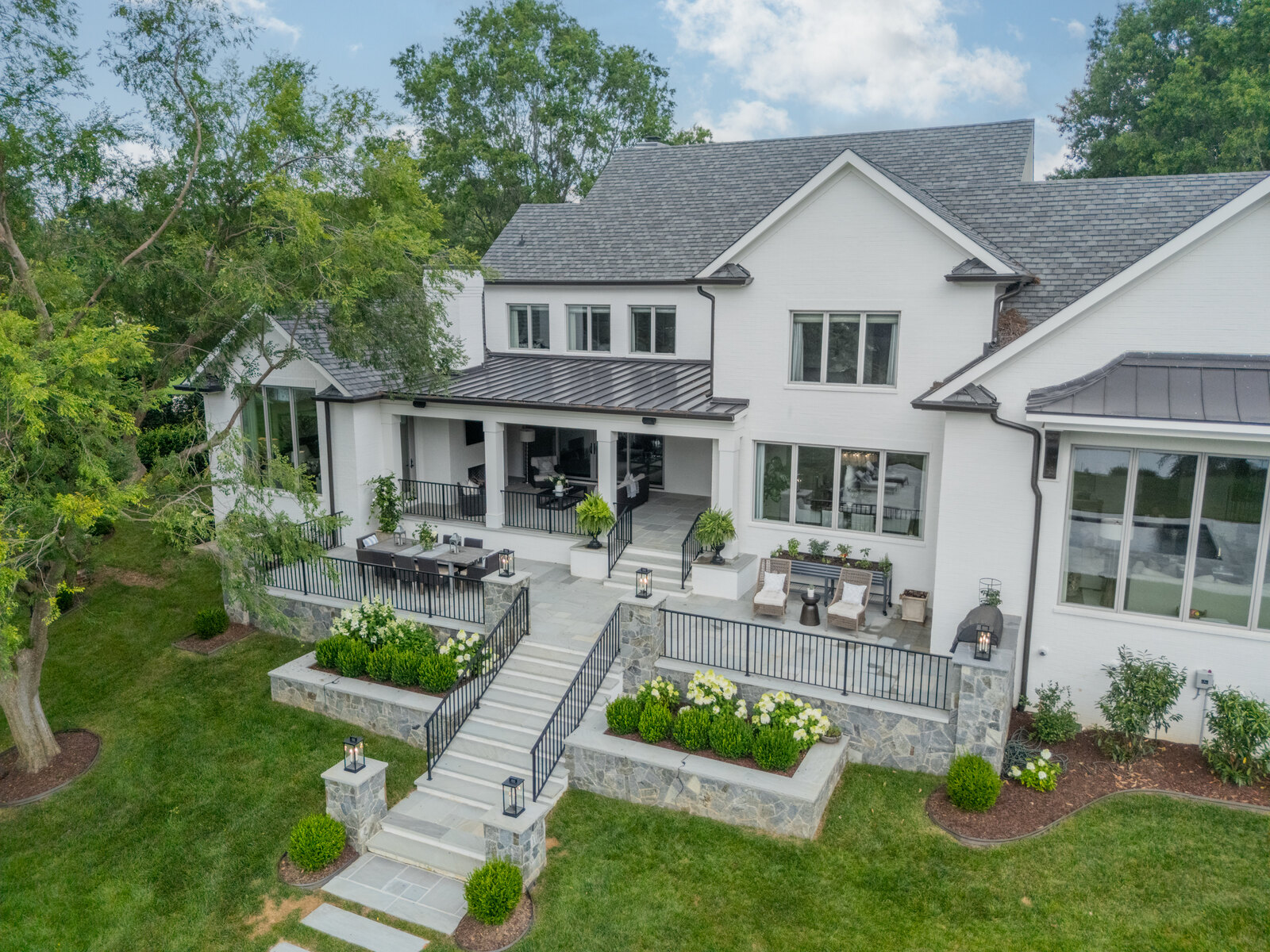
One of the more ironic realities of modern custom home construction is this: you can build a highly engineered, exceptionally efficient home and then discover that your cell phone barely works once you walk inside.
I know because I have dealt with this personally.
More importantly, I have had several clients point out the exact same problem after moving into their new homes.
Over the course of several years, I have tried multiple solutions—cellular boosters, Wi-Fi calling, Airplane Mode workarounds, and eventually a dedicated Voice over Internet Protocol, or VoIP, phone system.
Some solutions helped. Others were inconsistent. After a considerable amount of trial and error, VoIP has proven to be the most practical solution for me.
This isn't a theoretical discussion. It's based on actually living with the problem.
Why Can Cell Service Be Worse in a New Custom Home?
Poor cellular reception inside a new home doesn't necessarily mean something is wrong with the house. In fact, some of the materials and construction methods that make today's homes perform better can also make cellular reception more difficult.
Modern custom homes may incorporate Low-E glass, masonry, foil-faced materials, metal components, sophisticated insulation systems, and increasingly robust building envelopes.
Those materials can weaken radio-frequency signals as they pass from outside the house to the interior.
If the cellular signal reaching the property is already marginal, the difference between standing in the driveway and walking inside can be dramatic.
You can therefore end up with an interesting contradiction: an extremely sophisticated home with excellent high-speed internet, whole-home Wi-Fi, automation, audio/video systems, security technology—and terrible cellular reception.
I've experienced it personally, and I've had clients experience it as well.
So what do you do about it?
My First Attempt: A Cellular Signal Booster
My first solution was a cellular signal booster.
The concept makes perfect sense. An exterior antenna picks up the cellular signal outside the house, the system amplifies it, and an interior antenna rebroadcasts that signal inside.
And it did work.
Sometimes.
That was ultimately the problem.
In my experience, cellular boosters were simply too inconsistent. They are still dependent on the quality of the cellular signal available outside the home, and performance can change depending on conditions and where you are inside the house.
After living with one for some time, I eventually scratched the cellular booster off my list as the best long-term solution.
Wi-Fi Calling Was Much Better
The next logical solution was Wi-Fi calling.
Most modern smartphones and cellular carriers allow calls to travel over your home's internet connection when cellular reception is poor.
In a custom home with a well-designed network and excellent Wi-Fi coverage, that sounds like the obvious answer.
And when Wi-Fi calling works properly, it works extremely well.
The problem I encountered was not my internet connection or my Wi-Fi network. The problem was getting the phone to consistently decide which network it wanted to use.
If the phone detects a weak cellular signal while simultaneously having a strong Wi-Fi connection, it can sometimes seem reluctant to completely abandon the cellular network.
You essentially have a phone trying to decide between two ways of communicating, and it doesn't always make the decision you would like it to make.
The result can be an inconsistent call even though you have excellent Wi-Fi.
Airplane Mode Fixed It—Almost
I eventually found a very simple workaround.
Put the phone in Airplane Mode and then turn Wi-Fi back on.
Now there is no decision for the phone to make.
The cellular connection has been removed from the equation, and the phone uses Wi-Fi calling.
In my experience, this worked extremely well.
Unfortunately, it created another very human problem.
You have to remember to turn Airplane Mode back off when you leave the house.
That sounds simple until you get in the car, drive away, and eventually realize your phone isn't receiving cellular calls or data because it is still in Airplane Mode.
Technically, the solution worked.
Practically, it was a nuisance.
The Best Solution I Have Found: VoIP
After years of experimenting, I eventually stopped trying to make the cellular network inside my house perform differently and approached the problem another way.
I installed a Voice over Internet Protocol, or VoIP, phone system.
I'm currently using Ooma, although Vonage offers many of the same concepts and features.
For someone who works from a home office, this has been an excellent solution.
Instead of depending on cellular reception, the office phone communicates through the home's internet connection.
But the part that makes VoIP particularly useful isn't simply having another telephone sitting on your desk.
It's how the entire system can work together.
Your Office Phone and Cell Phone Can Ring at the Same Time
One of my favorite features is the ability to have an incoming call ring both the office phone and your cell phone.
If I'm sitting in my office, I answer the VoIP phone.
If I'm out of the office, I answer my cell phone.
The person calling doesn't need to know where I am, and I don't need to give clients multiple phone numbers.
They call one number.
The technology figures out where to find me.
That is a much more elegant solution than constantly trying to determine whether my cell phone is connected to Wi-Fi calling, cellular service, or both.
You Don't Necessarily Need a Hardwired Phone Connection Either
This is another feature I particularly like.
Ooma offers IP phones that can connect directly to Wi-Fi.
That means the phone itself can communicate through the home's wireless network rather than requiring a traditional telephone line at the desk.
In a properly designed custom home with strong Wi-Fi coverage, that gives you considerably more flexibility regarding where the phone can be located.
You need power and a good Wi-Fi connection rather than having to think in terms of an old-fashioned telephone jack.
Your Smartphone Can Actually Become the VoIP Phone
There is another option that makes the system even more useful.
Ooma offers a mobile app that essentially allows your smartphone to function as part of the VoIP phone system.
Instead of relying on the cellular voice signal inside the house, the app can use the phone's internet connection.
So if your smartphone has excellent Wi-Fi but virtually no cellular reception, you can still make and receive calls through the VoIP system.
This is an important distinction from traditional Wi-Fi calling.
Rather than waiting for your cellular phone to decide how it wants to route the call, you are using an internet-based phone system designed specifically to operate over an IP connection.
And when you leave the house, you still have your smartphone with you.
For someone who works from home, this combination of a physical office phone, a mobile app, and simultaneous ringing is a remarkably flexible setup.
How I Would Approach Poor Cell Service Today
Knowing what I know now, I would approach this problem differently than I did several years ago.
The first priority would be making sure the home has an excellent network.
And by that, I don't simply mean having fast internet service.
A large custom home needs properly designed Wi-Fi coverage throughout the areas where people actually live and work. A one-gigabit internet connection doesn't do much good if the wireless signal can't reliably reach your office.
Once the home's Wi-Fi infrastructure is solid, I would try Wi-Fi calling.
For many homeowners, that may completely solve the problem.
If the phone continues struggling between a weak cellular signal and Wi-Fi, the Airplane Mode technique can confirm whether Wi-Fi calling itself works reliably.
For someone who works from home or who simply wants a more dependable solution, I would then seriously consider VoIP.
Based on my own experience, I would put a traditional cellular booster considerably further down the list.
This Is Something Worth Discussing Before You Build
Cellular reception probably isn't one of the first things most people think about when designing a custom home.
It wasn't high on my list either.
But perhaps it deserves a place in the technology conversation.
We spend enormous amounts of time planning electrical systems, lighting controls, HVAC, security, home automation, televisions, audio systems, internet service, and Wi-Fi networks.
Communication should be part of that planning.
For someone building a large custom home—and particularly for anyone planning a serious home office—the discussion shouldn't simply be:
How fast is the internet?
It should also be:
How am I going to communicate throughout the house?
At Everett Custom Homes, we believe a successful custom home is about much more than architecture, finishes, and craftsmanship.
The house has to function well after you move in.
And sometimes the most useful lessons in home building aren't found on a set of architectural drawings or in a construction specification.
They come from living in the house.
In my case, and now with several of our clients, one of those lessons has been surprisingly consistent:
You can build an exceptional custom home and still discover that your cell phone barely works inside it.
Fortunately, there are good solutions.
It just took me several years of trial and error to figure out which one worked best.